
Fire TV App
Have a Fire TV? Now you can view and listen to your Terra Station and curated sites right in your living room! You don't even need to have a Terra Station to take advantage of this new app. This guide will tell you how you can get started.
With just a few quick steps, you'll be streaming live nature feeds and curated environments directly to your TV. Sit back, relax, and explore the sounds and sights of the natural world.
On your Fire TV, navigate to the Search icon and search for "Terra Listens".
Signing Into Fire TV App
Once you launch the Terra Listens Fire TV app, you are free to listen to any of the curated sites. However, if you wish to access your own Terra Stations,
you must complete one additional step. You will only have to do this once. Click "Sign In" on the far left of the menu.
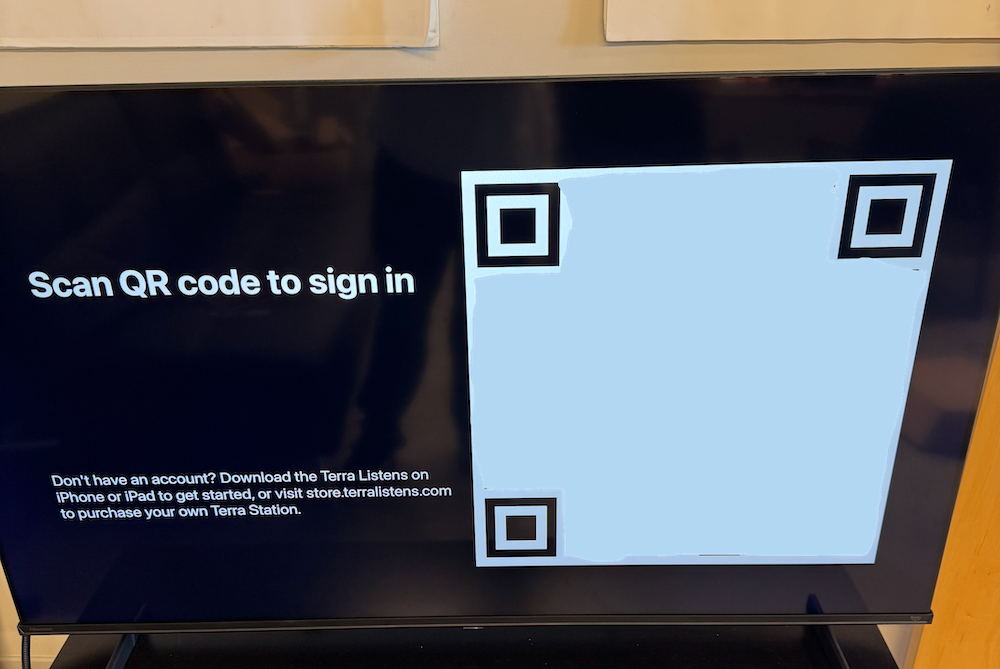
Next, using the camera app on your phone, scan the QR code on the TV screen. Click the yellow text that appears at the bottom to go to the sign in link. This is a special
sign in link unique to your Fire TV at that given time.
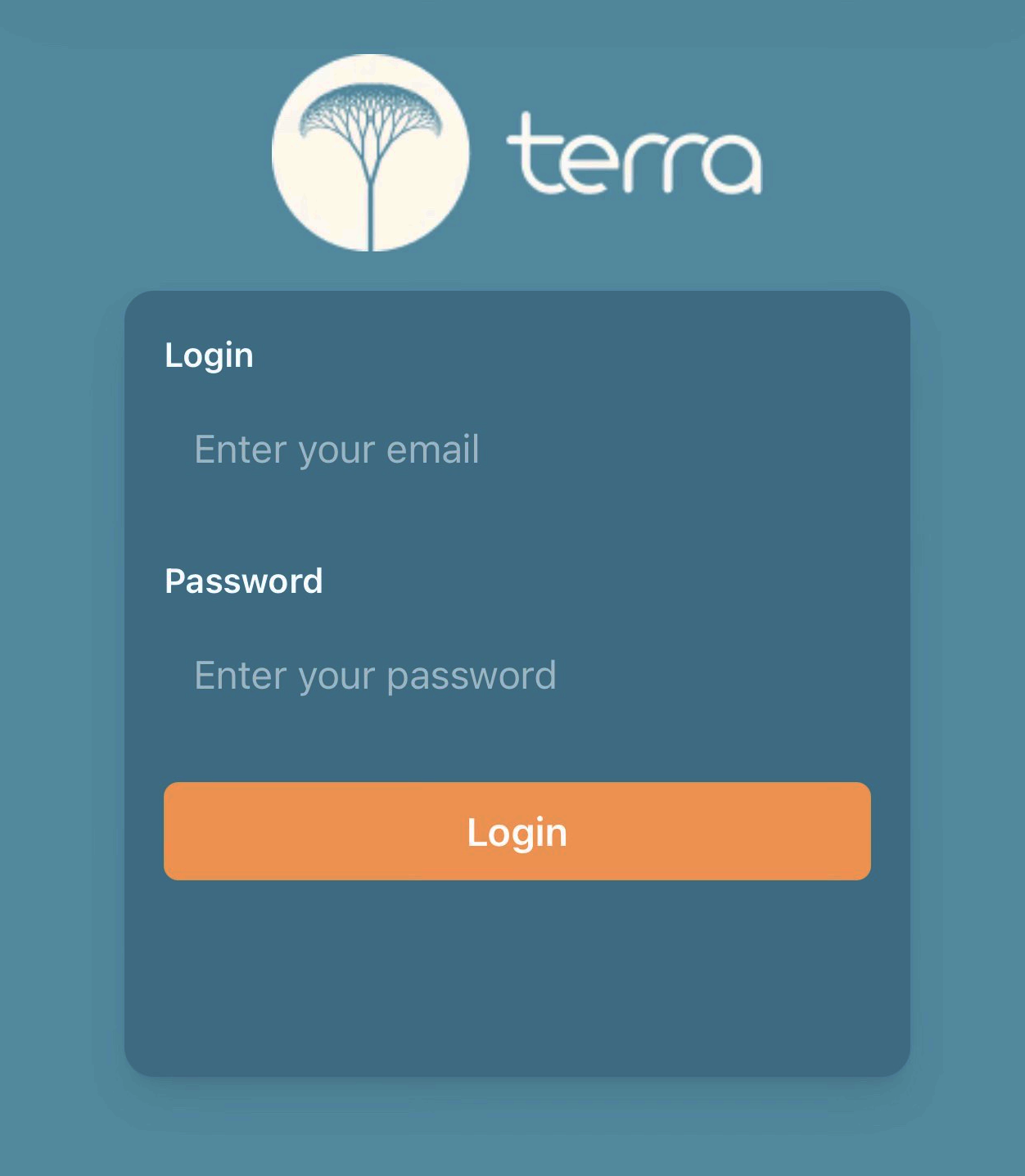
Now, sign in using your Terra account. On successful login, the webpage will confirm that you are signed in and your Fire TV will automatically detect the sign in and
go to the main menu. You will now see all of your Terra Stations!
Join the Terra Newsletter
Black Friday Deals, Features & More!


Terra Listens
1293 Hornet Rd, Unit 1
Cape May, NJ 08242
1293 Hornet Rd, Unit 1
Cape May, NJ 08242
Terra Listens © 2025, All Rights Reserved.
BirdNET Copyrights© 2024 by Cornell University. All Rights Reserved.
BirdNET Copyrights© 2024 by Cornell University. All Rights Reserved.